In a small company, the plan for a piece of work usually lives in four places. The dates in a spreadsheet, the agreements in email, the decisions in a chat, and the rest in the head of whoever is running it. It works as long as that person is in the office and the client moves nothing.
Then a date moves, and nobody can say straight away what else moves with it.
This article gathers what research has measured about planning — estimates, attention, interruptions — and turns it into seven habits that need no project office. The examples come from a small, concrete case: a trade fair to prepare, with three people and around twenty tasks.
Even the pessimistic estimate is optimistic
In 1994 three psychologists, Roger Buehler, Dale Griffin and Michael Ross, asked a group of students when they would finish their thesis. Each had to give three answers: the most realistic prediction, the one if everything went well, and the one if everything went badly.
On average the realistic prediction was 33.9 days. It took 55.5. Fewer than a third of the students finished by the date they had given.
The figure that matters, though, is another one: even the pessimistic prediction, 48.6 days, was shorter than the real time. Those who imagined everything going wrong still guessed too low.
The authors call it the planning fallacy, taking up an idea from Daniel Kahneman and Amos Tversky. It is not a matter of inexperience. When you estimate a piece of work, you picture how this piece of work will go, step by step: it is the inside view. What the inside view leaves out are the surprises, which by definition nobody pictures: the supplier who answers late, the draft that comes back with corrections, the week someone is away.
The correction that works is called the outside view. Before estimating, look at how long similar jobs already done actually took: not how long they were meant to take, how long they took. Bent Flyvbjerg, who studies large projects at the University of Oxford, turned it into a method, reference class forecasting. The principle holds for a trade fair or a case file to close as well.
There is one condition, and it is the one usually missing: the real dates must have stayed written down somewhere. A spreadsheet corrected at every update keeps the plan, not its history.
A written plan gives attention back
An open job occupies the mind even when nobody is working on it. Anyone following several jobs at once knows it: the quote still to send comes back to mind during the meeting about another client.
In 2011 E. J. Masicampo and Roy Baumeister measured it. A goal not yet reached produces thoughts that intrude on other activities and make their results worse. Then they looked for what makes those thoughts stop, and the answer was unexpected. Reaching the goal is not required: making a concrete plan to reach it is enough. Once the plan is written, the interference disappears.
That is the practical reason for writing things down, and there is nothing bureaucratic about it. A written plan is attention given back to today's work.
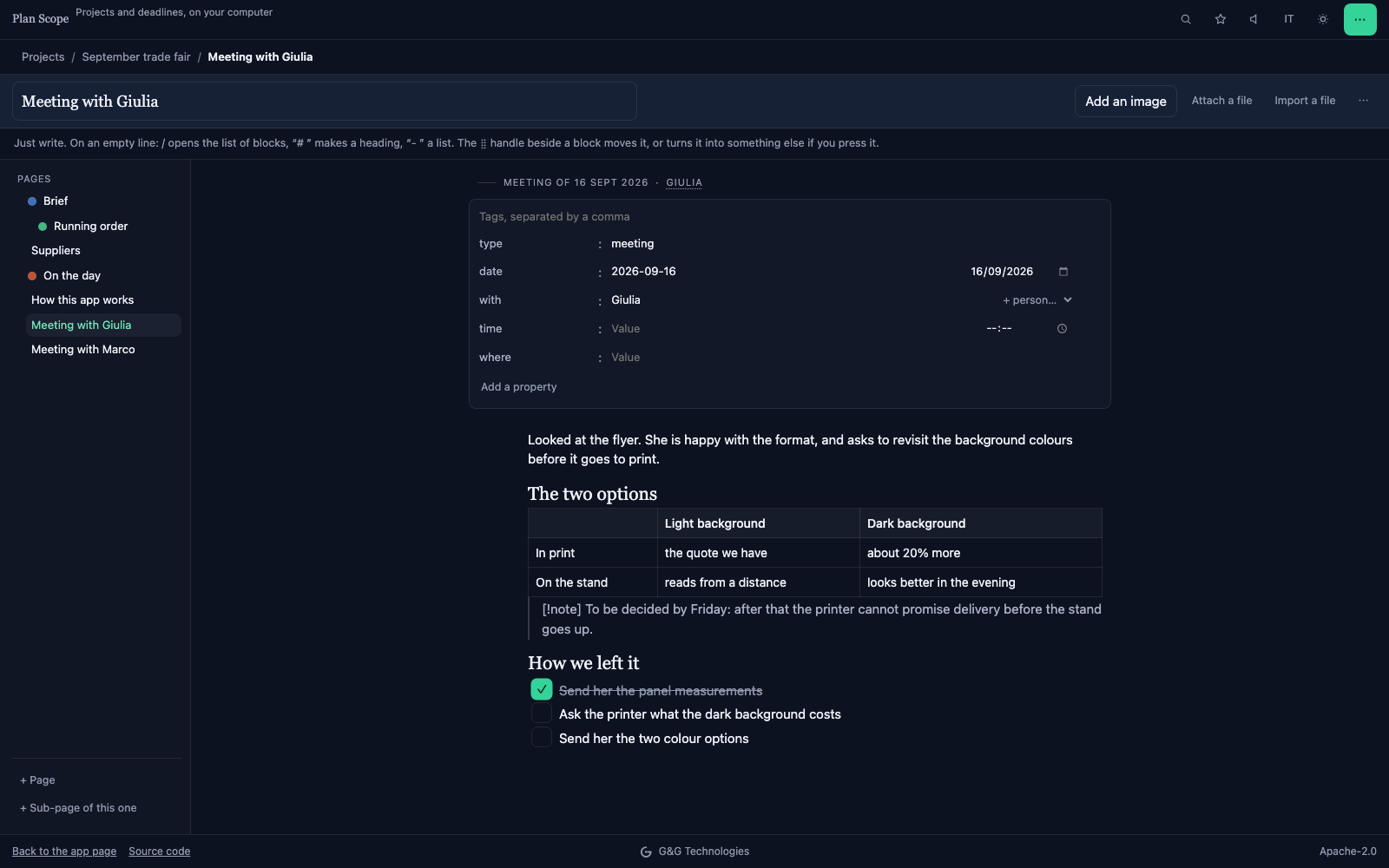
Where it is written matters too. The notes from a meeting in a notebook and the deadline that follows from them in a calendar are two halves of the same thought, in two different places. Keeping the written page beside the tasks it gives rise to saves rebuilding the thread every time the work is picked up again.
A task has a verb, a person and a date
"Supplier quotes" is not a task: it is a topic. A task is "Sara asks for three printing quotes, by Tuesday". It says what is done, who does it and when it is finished.
This difference has been measured too. Peter Gollwitzer and Paschal Sheeran gathered 94 experimental tests of implementation intentions, meaning plans that set out when, where and how something will be done, and compared them with the plain intention to do it. The effect on reaching goals is 0.65 standard deviations, the unit statistics uses to measure the distance between two groups: in psychology, a difference classed between medium and large.
For a small group the translation is simple. Every task has a verb, a person and a date. If one of the three is missing, the task is not yet ready to go into the plan.
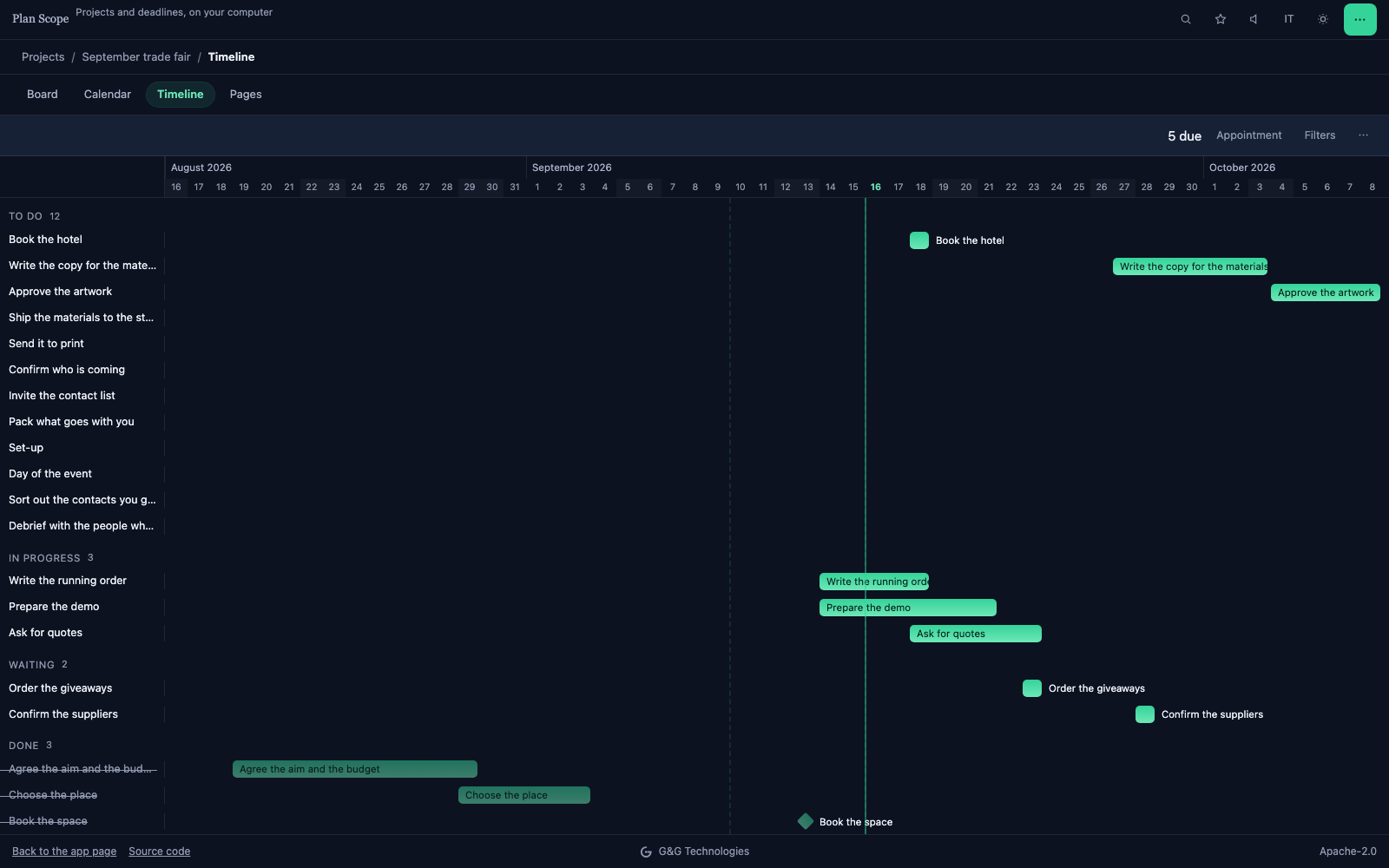
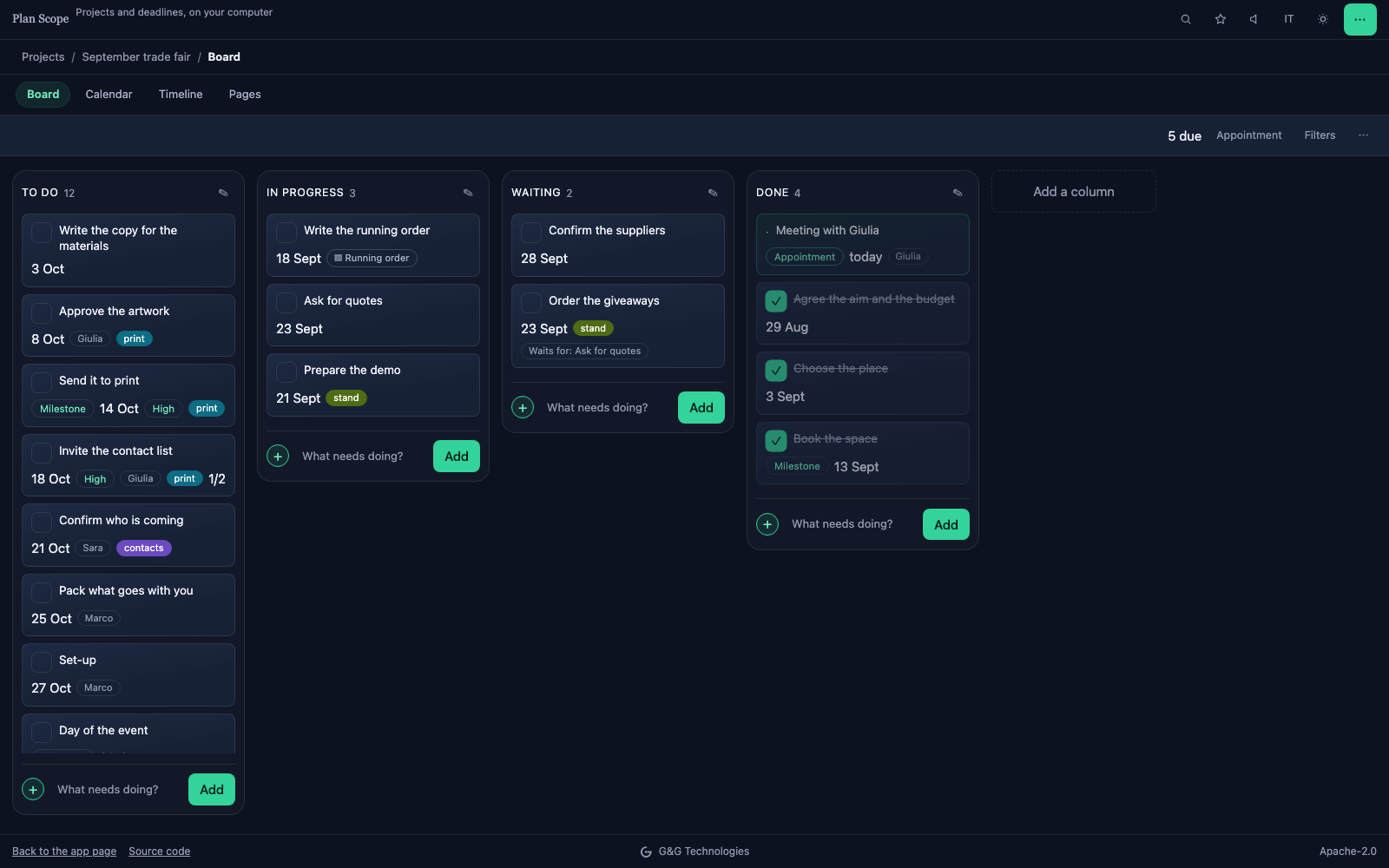
Then there is what a task waits for. "Order the giveaways" cannot start until the quotes have arrived. Writing that beside the task is the simplest way to know, when a date moves, what else moves with it. The same goes for milestones: the two or three moments that, if they slip, make everything else slip.
One place, because information gets lost in the handovers
Asana's Anatomy of Work survey, carried out in 2023 among 9,615 office workers in six countries, estimates that 58% of the day goes on work about work: searching for information, asking how far along something is, switching from one application to another. Respondents use 8.8 of them on average. Among those using six to fifteen, 15% report missing messages and actions; above sixteen, 25%.
The figure deserves the proper caution. It is a survey based on what respondents report, commissioned by a company that sells software for organising work. The direction counts more than the exact number: every handover between one tool and another is a point where a piece of information can be left behind.
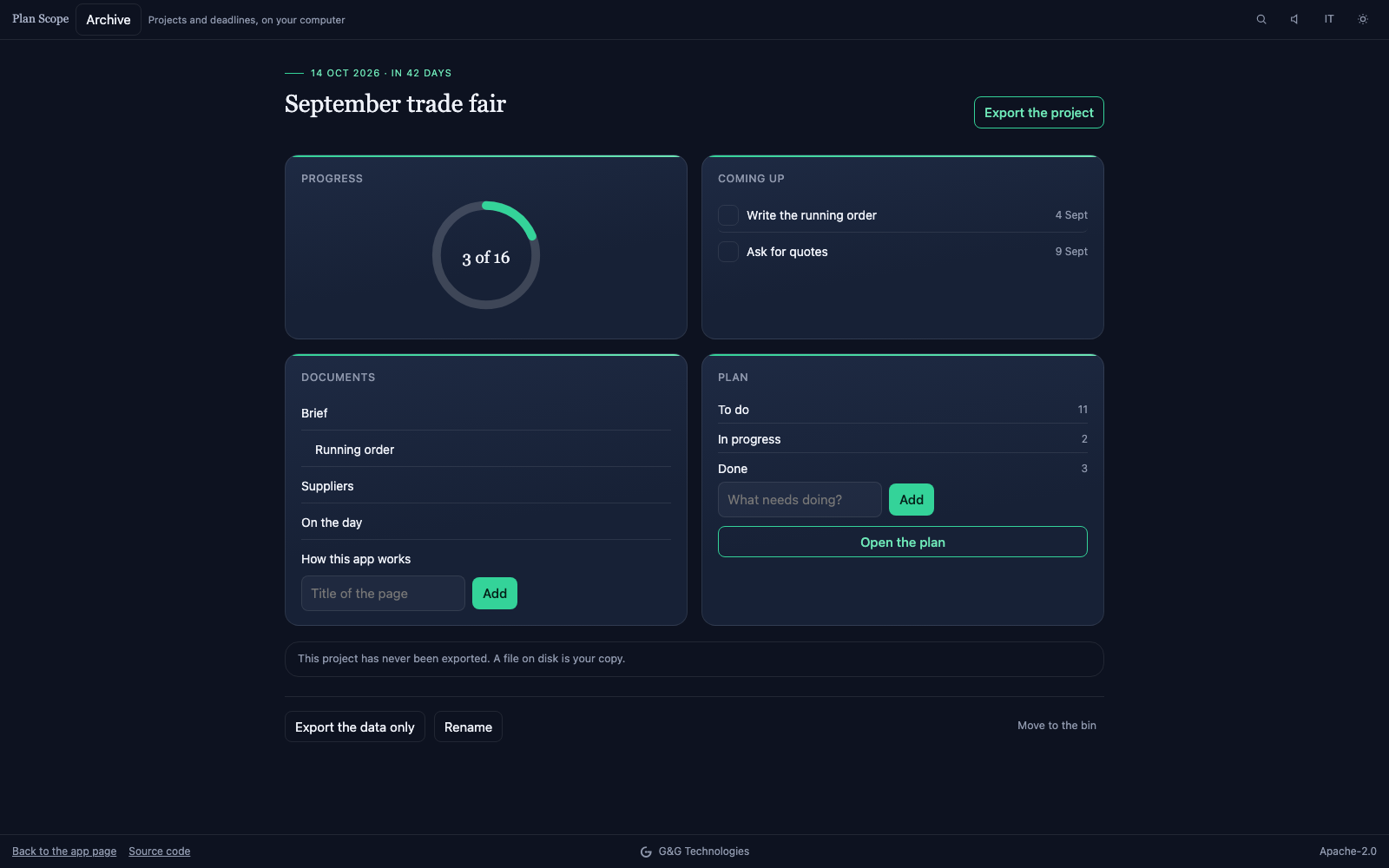
No tool removes email or the phone. What can be decided is that the plan has one place, and that whatever is agreed elsewhere goes in there the same day.
Interruptions stay. What matters is the cost of resuming
Gloria Mark, at the University of California, Irvine, has spent twenty years studying how people work in front of a screen. In 2004 attention stayed on one screen for two and a half minutes on average before moving elsewhere; in the measurements of recent years, 47 seconds.
In a 2008 experiment with 48 participants, her group found a counter-intuitive result. People who are interrupted finish the work faster, and with the same quality. But they pay for it with more stress, more frustration, more time pressure and more effort.
For anyone who works with clients, interruptions are part of the work: the phone call, the urgent request, the supplier calling back. The realistic aim is another: making it cheap to resume. Whoever comes back to a job should find written down where things stood, what had been decided and with whom.
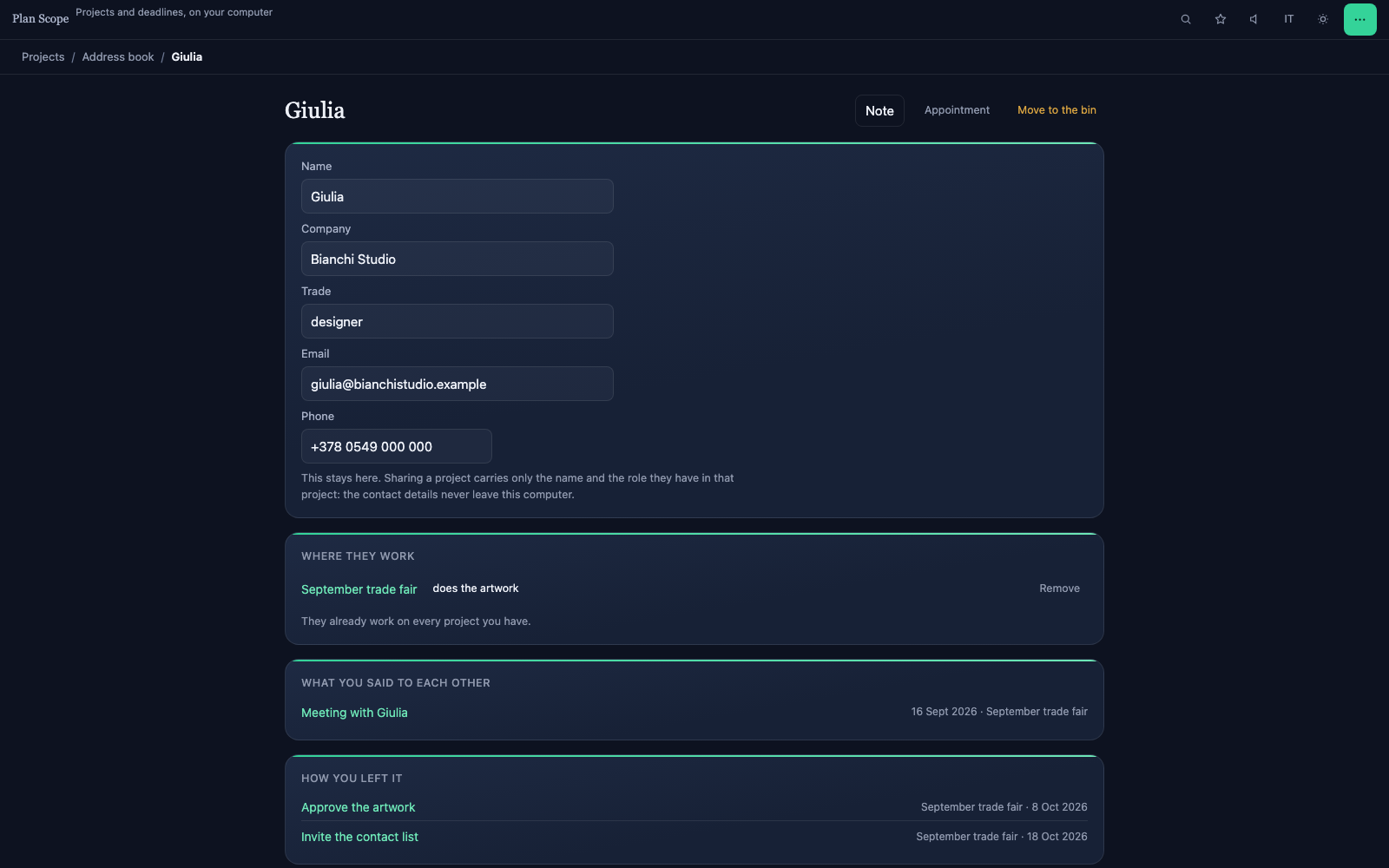
That is why it pays to keep track of people as well as tasks. The design studio following three jobs, the supplier with two under way: knowing what was said and what is still pending with each of them saves the phone call that starts with "where had we got to?".
The calendar shows the pile-ups
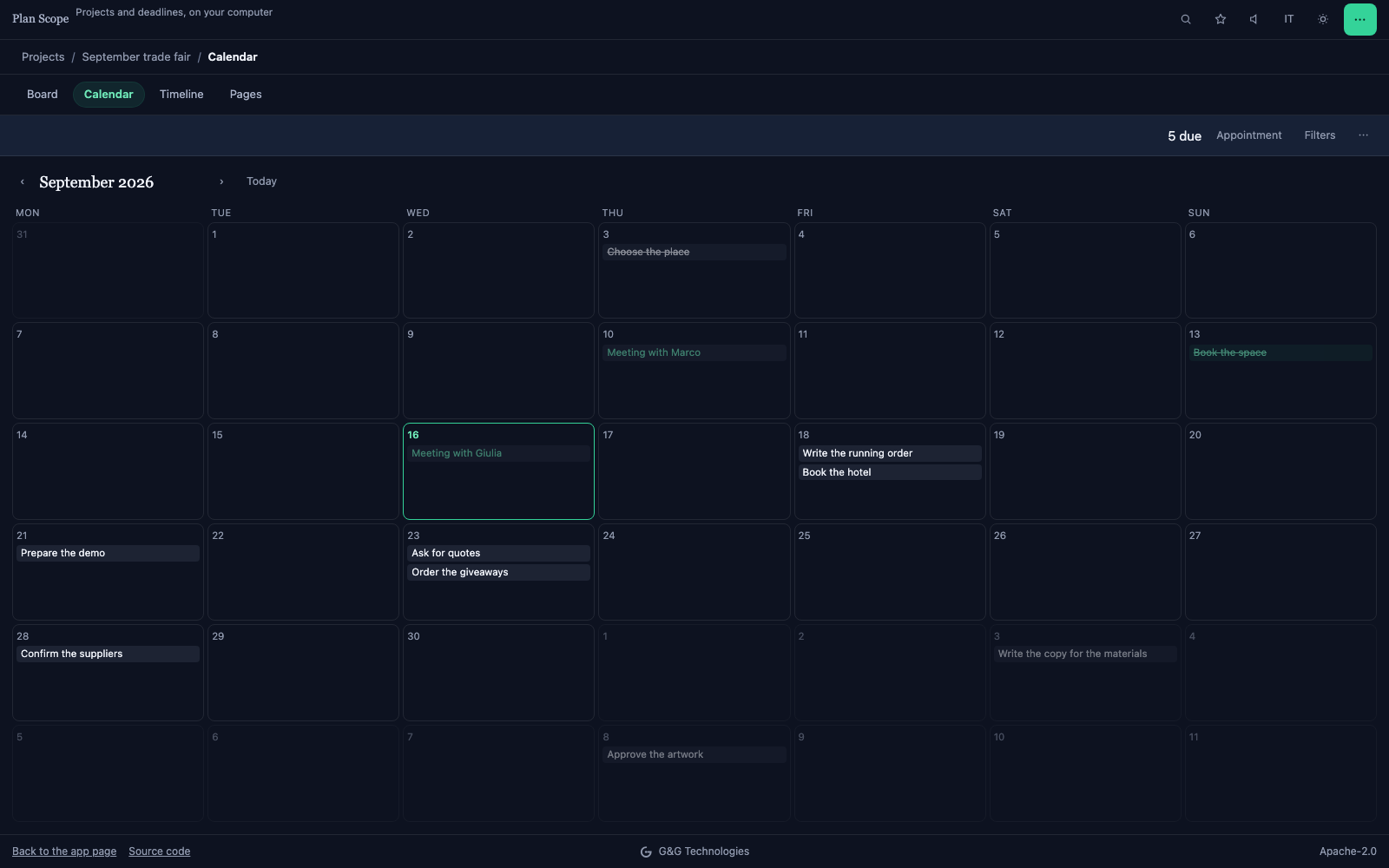
A list of tasks sorted by date always looks manageable: one line after another. The same list on a calendar shows something else, namely that three deliveries fall in the same week, and that the same week holds a meeting with the client.
Seeing it takes the same plan looked at another way. The board says how far along each thing is, the calendar shows the pile-ups, the timeline the durations and the dependencies. They are three views of the same list: if they were three lists, they would have to be kept aligned by hand, and sooner or later they would drift apart.
Deadlines, then, have to arrive where people already look. For many professionals that is the calendar on their phone: a reminder that rings there is worth more than a notification in an application opened once a week.
Where the plan's data lives
A plan holds more than it seems: client names, agreed prices, supplier contacts, sometimes the details of a case. If the plan lives on an online service, that service processes personal data on behalf of whoever uses it. The GDPR, in Article 28, requires choosing providers that offer sufficient guarantees and governing the relationship with a contract.
It is a decision to take knowing that it is being taken. For many small organisations there is also a shorter road: a tool that keeps the data on the computer of whoever uses it, and for working as two a shared folder the company already uses, in Dropbox, OneDrive or Google Drive. The plan's files sit where the firm's other documents already sit, and the list of providers stays the one it was.
What to do, in order
- Write the goal in one line, with the delivery date. If it does not fit in one line, there are two projects.
- Before estimating, find the most recent similar job and look at how long it actually took. The estimate starts there, not from how things should go this time.
- Break the work into tasks with a verb, a person and a date. A task with no person belongs to nobody; with no date, it is in no hurry.
- Mark what waits for what, and the milestones: the two or three moments everything else depends on.
- Keep notes and decisions beside the tasks that follow from them, in the same project.
- Review the plan once a week, on the same day and at the same time. It is an implementation intention applied to the plan itself: without a when, the review is the first thing dropped in a full week.
- When the job is done, keep the plan with the real dates. It is the estimate for the next similar job, and the only one that comes from facts.
Why we write about this
These habits are the reason we built Plan Scope, a free application with public source code for organising projects, events and jobs. It holds the written pages and the tasks with their dates together, and board, calendar and timeline are three views of the same list. Deadlines come out as a calendar with the reminder inside the file, so they ring on the phone even with the app closed. Two people work together through a shared folder, and a Trello board or a Notion export can be imported.
The application runs in the browser, and the data stays on the computer of whoever uses it. The other side of it is stated on its page: with no server there is only one copy, which is why exporting is a main function rather than a menu entry.
It is the same way of building that we apply to custom projects, on a small case: processing on the machine of whoever uses the software, data that stays where it already is. If the way you work asks for something the app does not do, that is where we start.
Sources
- Buehler, Griffin and Ross (1994), Exploring the "planning fallacy": Why people underestimate their task completion times — Journal of Personality and Social Psychology, 67(3), 366-381. The thesis study and the three estimates.
- Flyvbjerg (2006), From Nobel Prize to Project Management: Getting Risks Right — Project Management Journal, 37(3). The outside view as an estimating method.
- Masicampo and Baumeister (2011), Consider it done! Plan making can eliminate the cognitive effects of unfulfilled goals — Journal of Personality and Social Psychology, 101(4), 667-683.
- Gollwitzer and Sheeran (2006), Implementation intentions and goal achievement: A meta-analysis of effects and processes — Advances in Experimental Social Psychology, 38. The 94 tests and the 0.65 effect.
- Asana, Anatomy of Work Global Index 2023 — press release with the survey figures: 9,615 respondents, six countries.
- Mark, Gudith and Klocke (2008), The cost of interrupted work: more speed and stress — proceedings of CHI 2008. The experiment with 48 participants.
- University of California, Can't pay attention? You're not alone (2023) — interview with Gloria Mark: two and a half minutes in 2004, 47 seconds today.
- Regulation (EU) 2016/679, GDPR — Article 28, on processors.
This article is for information purposes only. The notes on data processing do not constitute legal advice: for your specific case, consult a qualified professional.