Titanium downloadsDownload di Titanium Titanium Monitor
Titanium suiteSuite Titanium
Titanium Monitor
FreeGratuitaTitanium Monitor is a menu bar utility that shows how CPU, GPU, memory, network and disk are used, says in plain words what is weighing the system down, and frees the space taken by caches and leftovers, always through the Trash.Titanium Monitor è un'utility della barra dei menu che mostra come vengono usati CPU, GPU, memoria, rete e disco, dice con parole semplici che cosa appesantisce il sistema e libera lo spazio occupato da cache e residui, sempre attraverso il Cestino.
- macOS
What it doesCosa fa
The features of Titanium MonitorLe funzioni di Titanium Monitor
Titanium Monitor lives in the menu bar and helps you keep an eye on the Mac and fix what is wrong. The decisions stay with you: it shows what it measures, says what it means, and asks before it touches anything.Titanium Monitor vive nella barra dei menu e aiuta a tenere d'occhio il Mac e a sistemare ciò che non va. Le decisioni restano a voi: mostra ciò che misura, dice che cosa significa e chiede prima di toccare qualcosa.
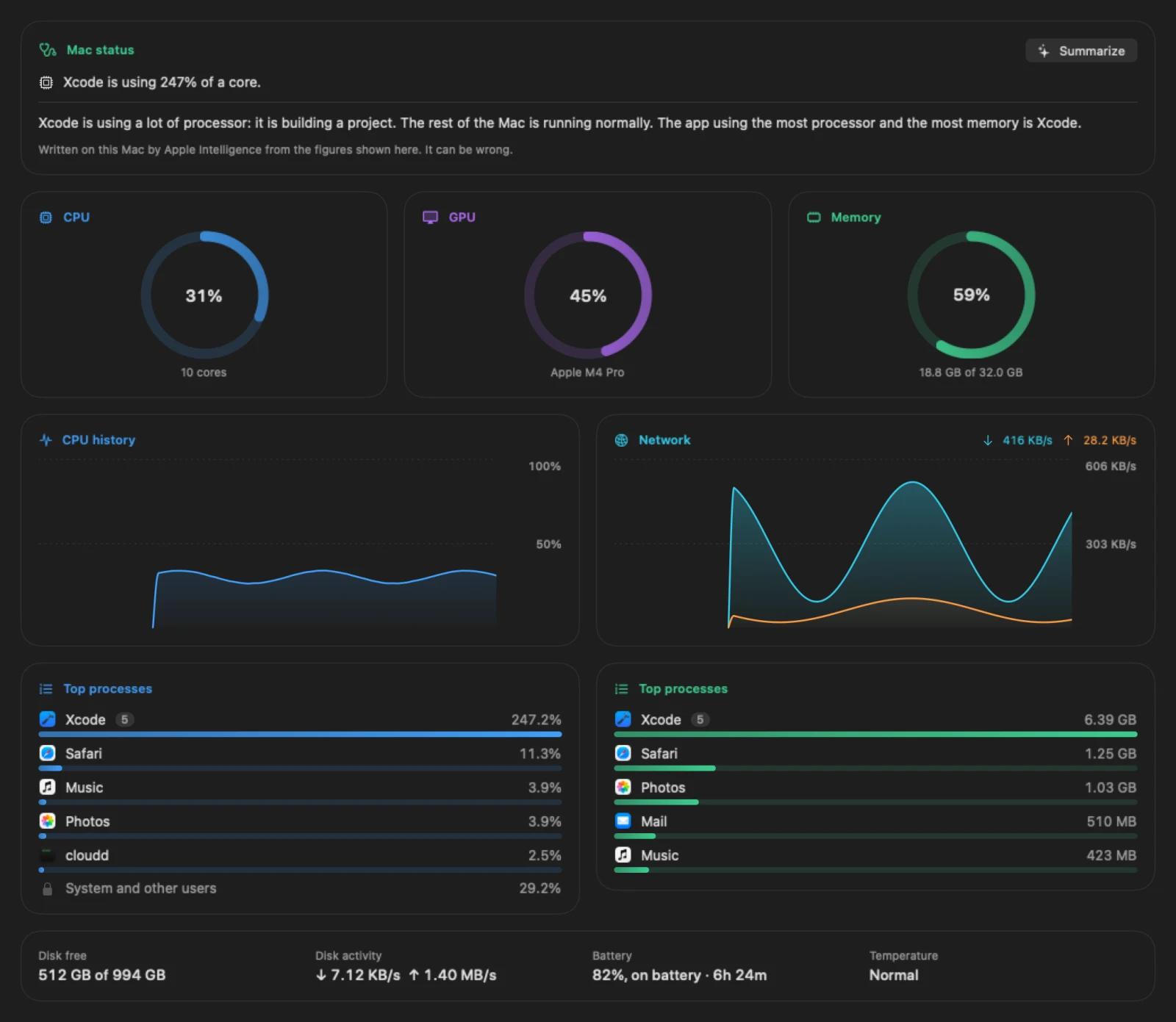
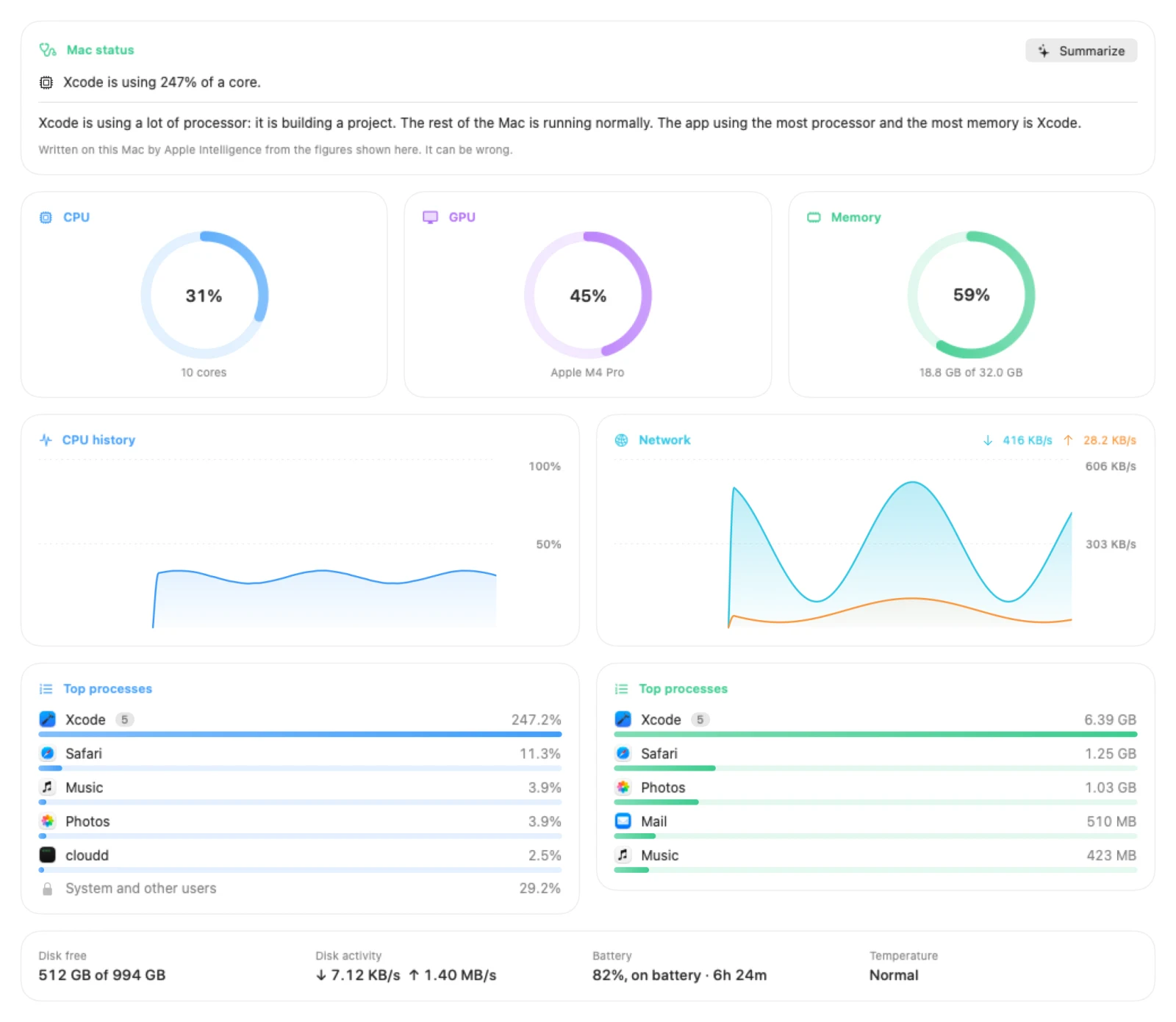
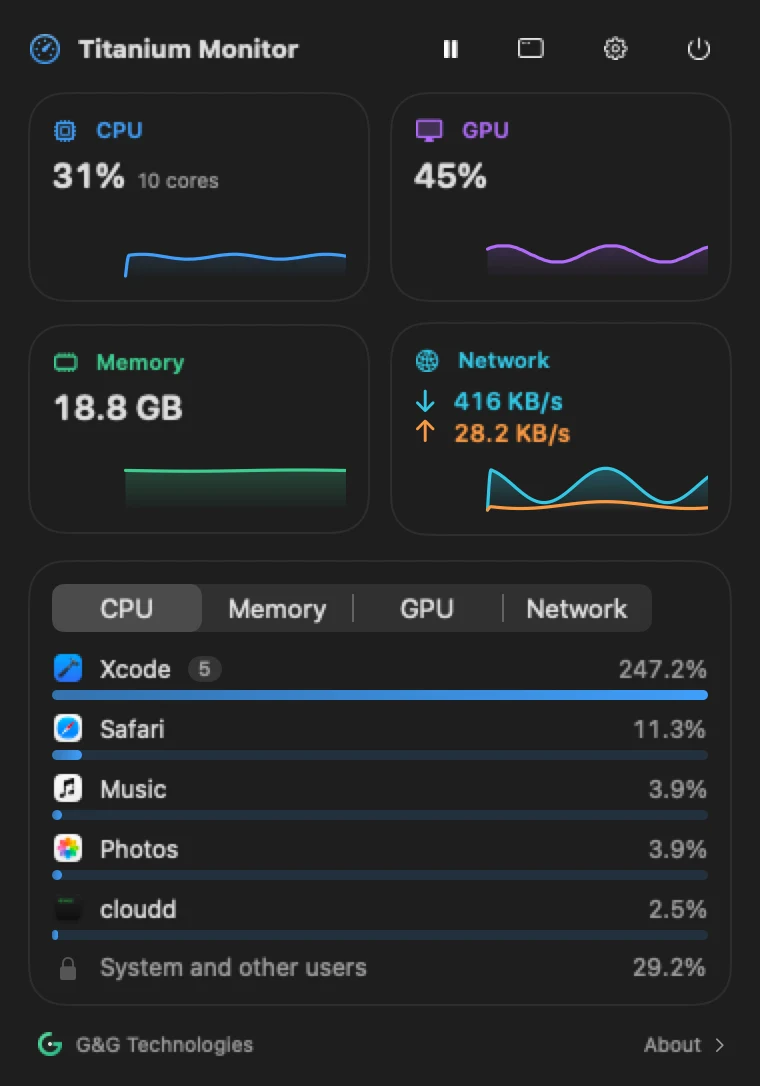
- The figures in the menu barLe cifre nella barra dei menuThe menu bar shows the figures you choose, each with its symbol: processor, memory, free space, disk activity, network speed. One click shows CPU, GPU, memory, network and the heaviest apps.La barra dei menu mostra le cifre che scegliete, ognuna con il suo simbolo: processore, memoria, spazio libero, attività del disco, velocità della rete. Con un clic si vedono CPU, GPU, memoria, rete e le app che pesano di più.
- What is slowing the Mac downChe cosa appesantisce il MacThe app explains it in plain words: an app keeping the processor busy, a stuck process, low memory, swap (memory moved to the disk), a nearly full disk, overheating.L'app lo spiega in parole semplici: un'app che tiene occupato il processore, un processo bloccato, memoria scarsa, swap (cioè memoria spostata sul disco), disco quasi pieno, surriscaldamento.
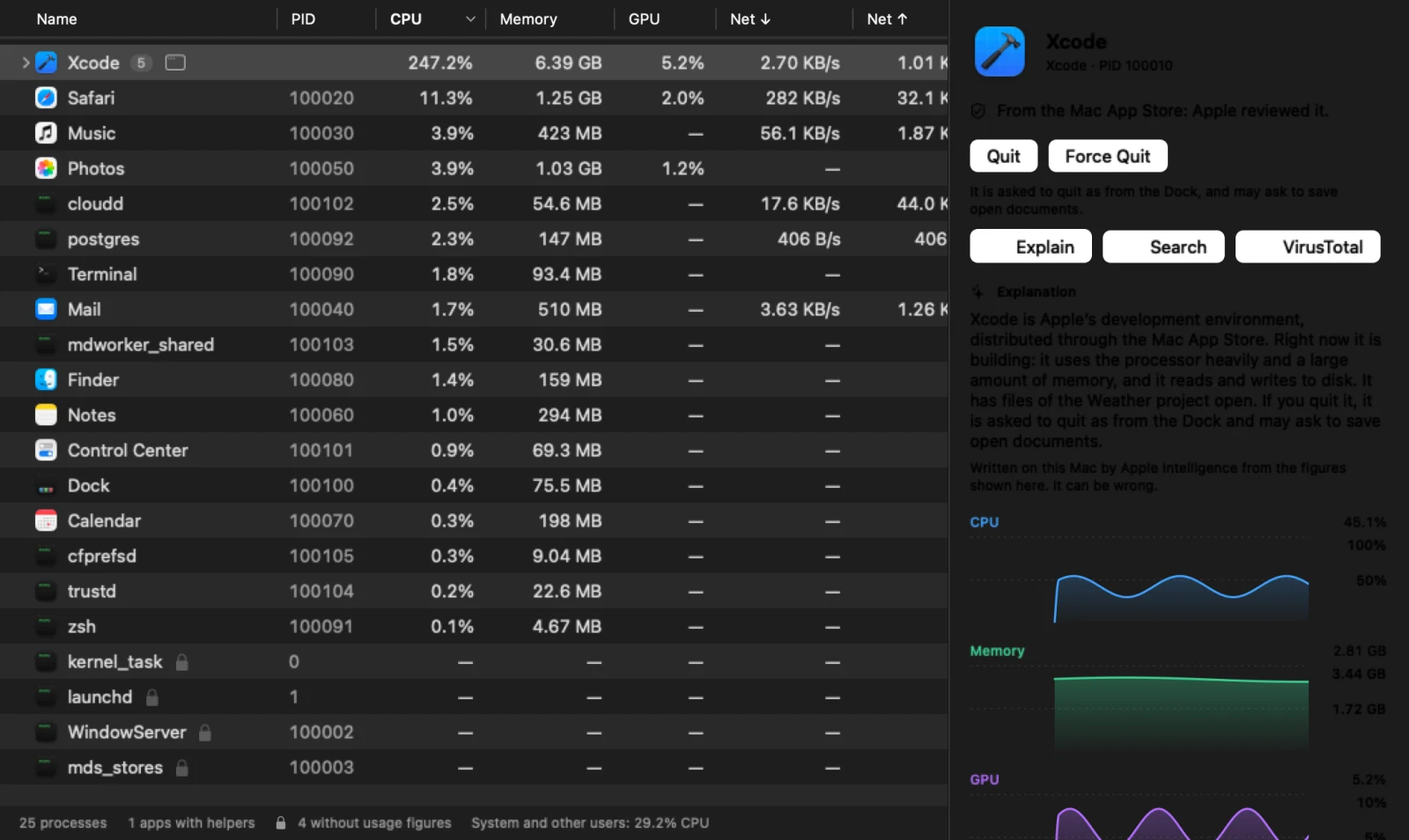
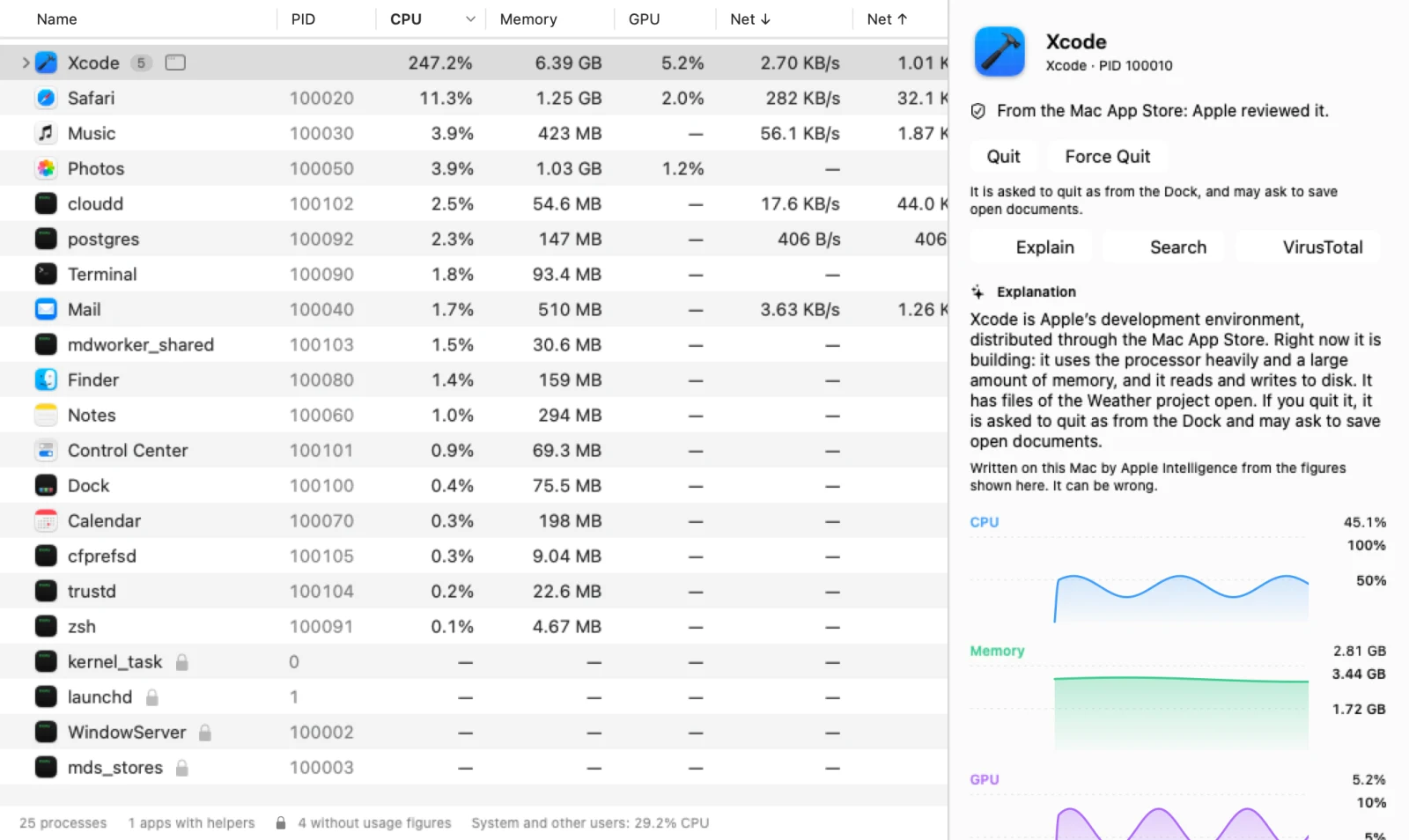
- Processes grouped by appProcessi raggruppati per appA browser takes a single row, with all its helper processes. For each app it shows processor, memory, GPU, network and energy, and lets you quit, force quit, suspend and resume it.Un browser occupa una sola riga, con tutti i suoi processi di servizio. Per ciascuna mostra processore, memoria, GPU, rete e consumo, e permette la chiusura normale o forzata, la sospensione e la ripresa.
- A card for every processLa scheda di ogni processoThe card says what the process is and which app it belongs to, who signed the code and whether Apple checked it, and lists its open files and connections. Where Apple Intelligence is on, it can explain the process in a few sentences, on the Mac.La scheda dice che cos'è il processo e a quale app appartiene, chi ha firmato il codice e se Apple lo ha esaminato, ed elenca i file aperti e le connessioni. Dove Apple Intelligence è attiva, può spiegare il processo in poche frasi, sul Mac.
- Findings that deserve attentionI rilievi che meritano attenzioneThe app points out invalid signatures, code with no known signer that runs from temporary folders or connects to the network, and new programs that start by themselves. Each finding explains what it means.L'app segnala firme non valide, codice senza una firma riconosciuta che si avvia da cartelle temporanee o comunica in rete, e nuovi programmi che si avviano da soli. Ogni rilievo spiega che cosa significa.
- Space freed through the TrashLo spazio liberato passando dal CestinoThe app shows how much each app and its data take. Caches, logs and what Xcode rebuilds are chosen from a list, with the total in front of you; the leftovers of removed apps are moved one at a time. The data of the apps stays where it is.L'app mostra quanto occupano ogni app e i suoi dati. Cache, log e ciò che Xcode ricrea si scelgono da un elenco, con il totale davanti; i resti di app rimosse si spostano uno alla volta. I dati delle app restano dove sono.
- Uninstalling, knowing what staysDisinstallare sapendo che cosa restaTitanium Monitor moves an app to the Trash with its data and, before you confirm, shows what its installer put elsewhere.Titanium Monitor sposta un'app nel Cestino con i suoi dati e, prima della conferma, indica che cosa il suo programma di installazione ha messo altrove.
- History and alertsStorico e avvisiThe history shows what weighed on the Mac and for how long, with charts of the last hour and the last day. If you want, a notification tells you when the Mac stays under strain or memory runs out, with the name of the app responsible.Lo storico mostra che cosa ha pesato sul Mac e per quanto, con i grafici dell'ultima ora e dell'ultimo giorno. Se la volete, una notifica avvisa quando il Mac resta sotto sforzo o la memoria si esaurisce, con il nome dell'app responsabile.
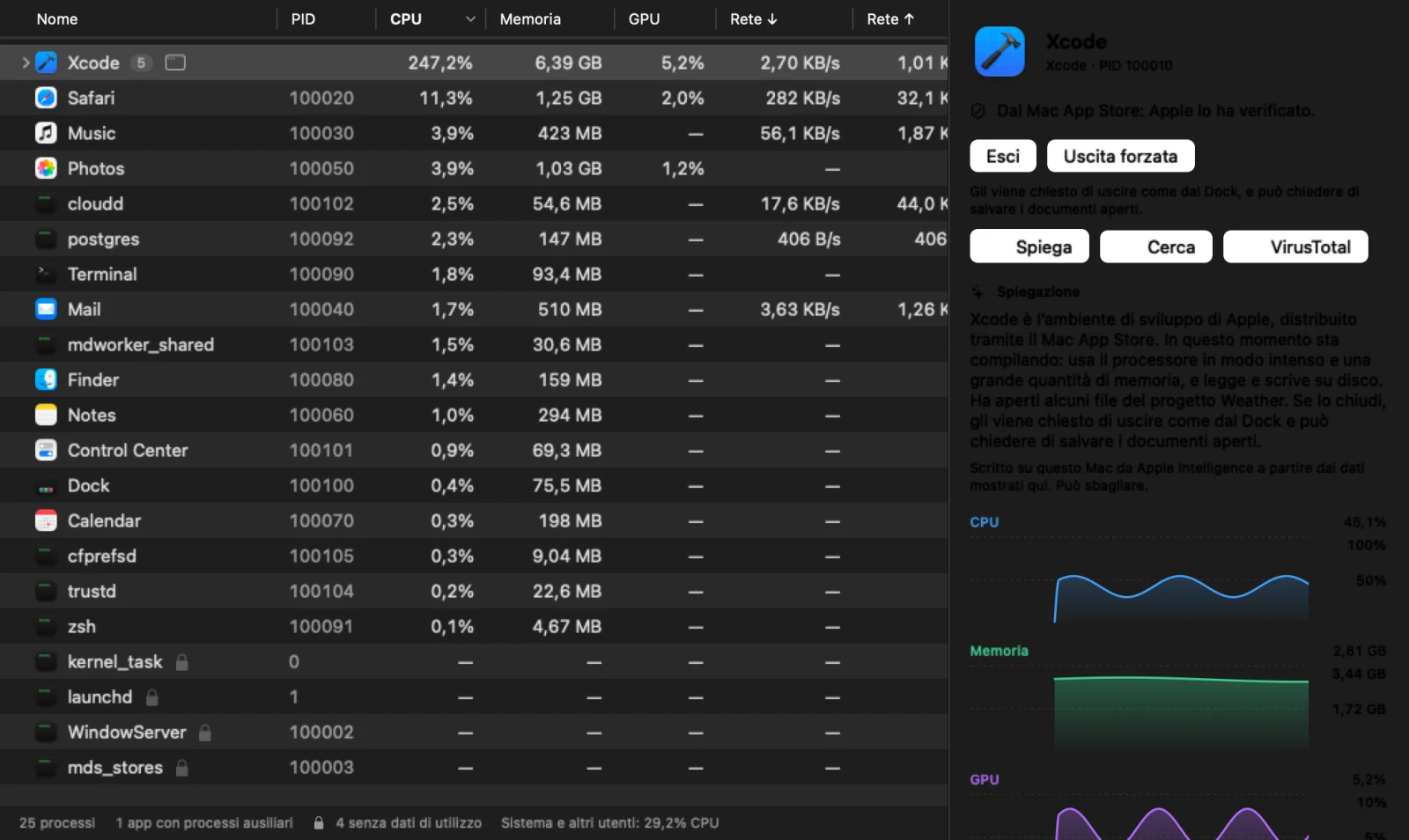
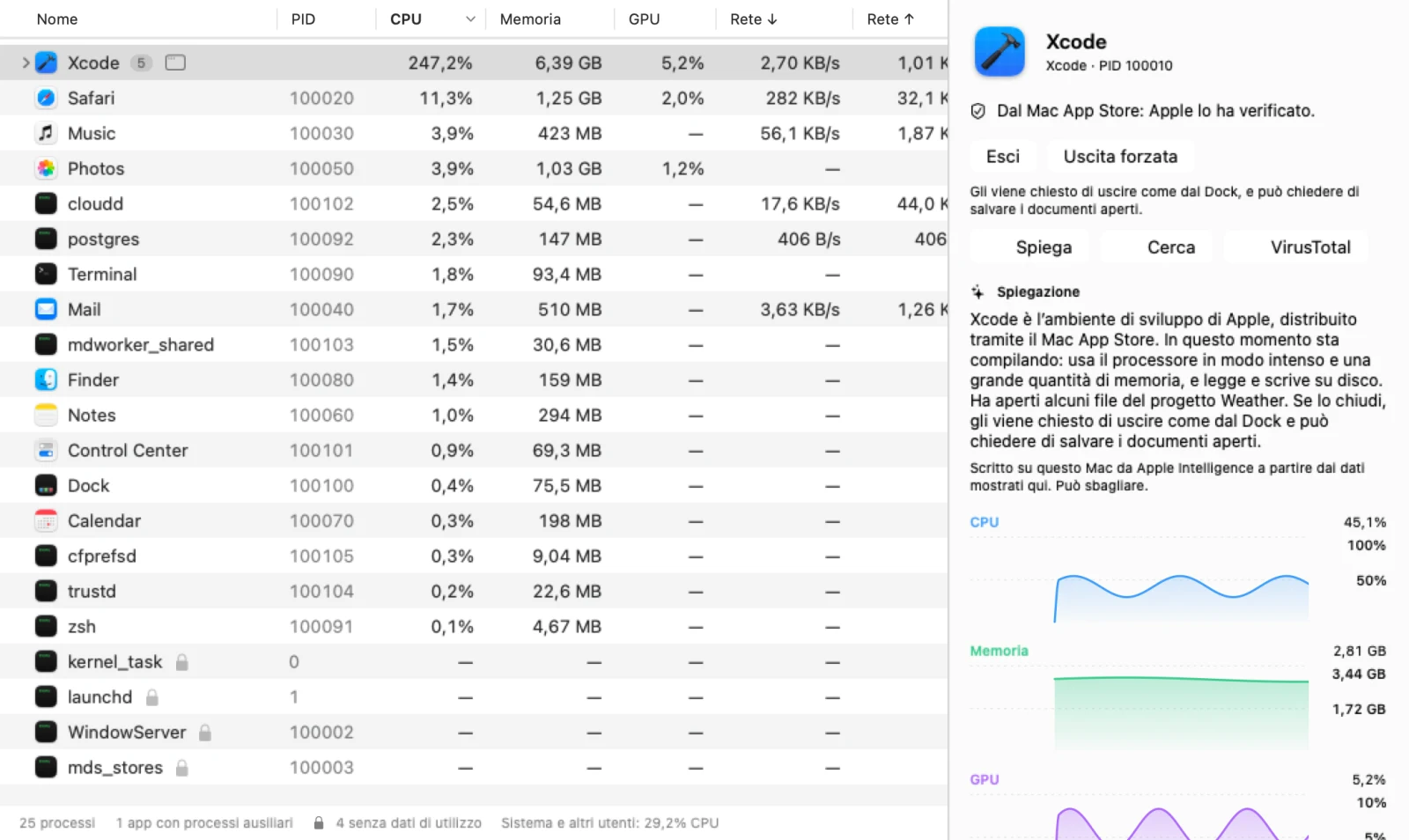
ScreenshotsSchermate
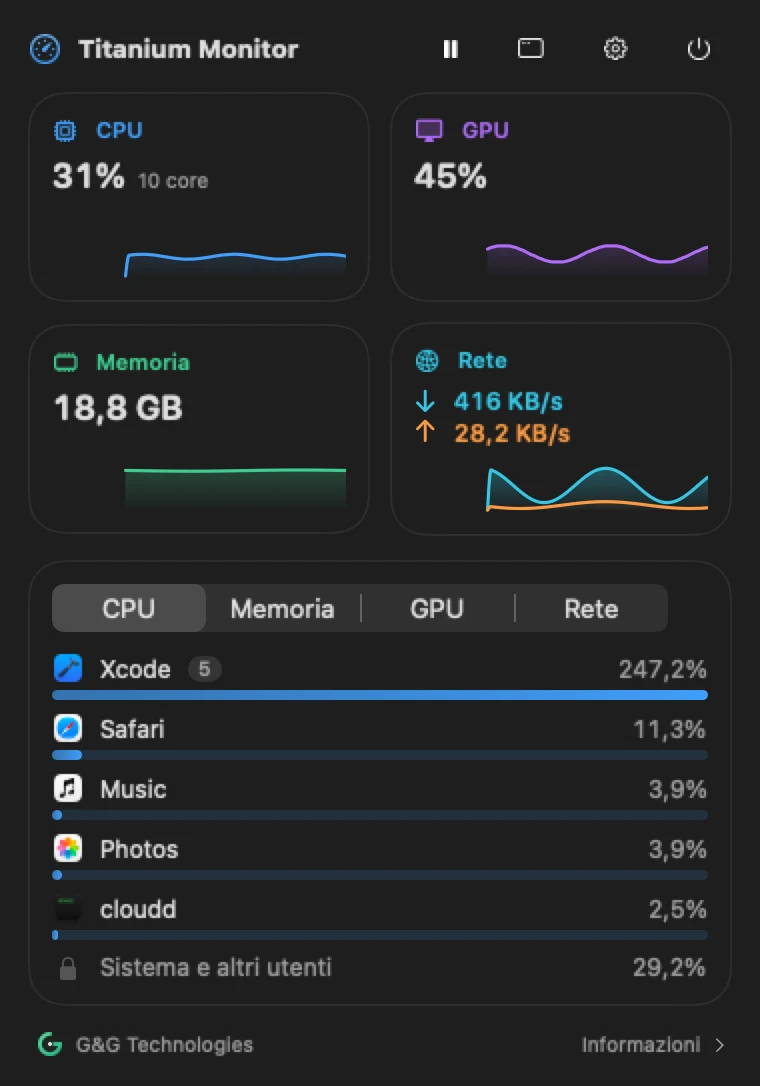
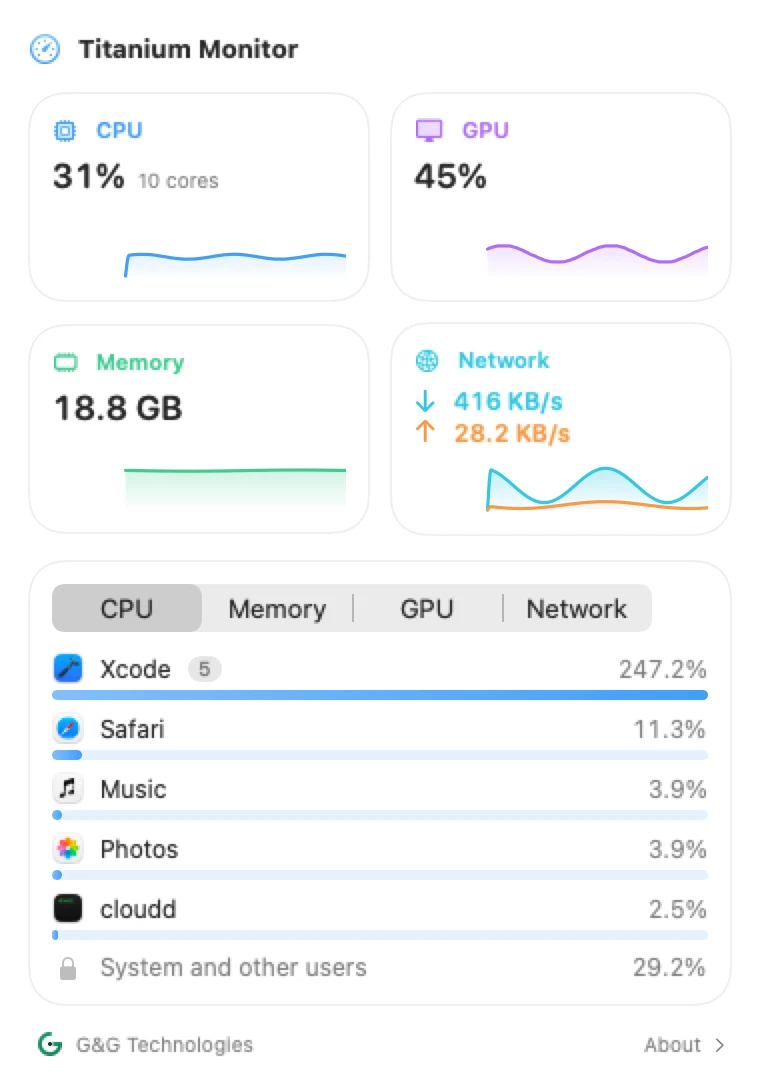
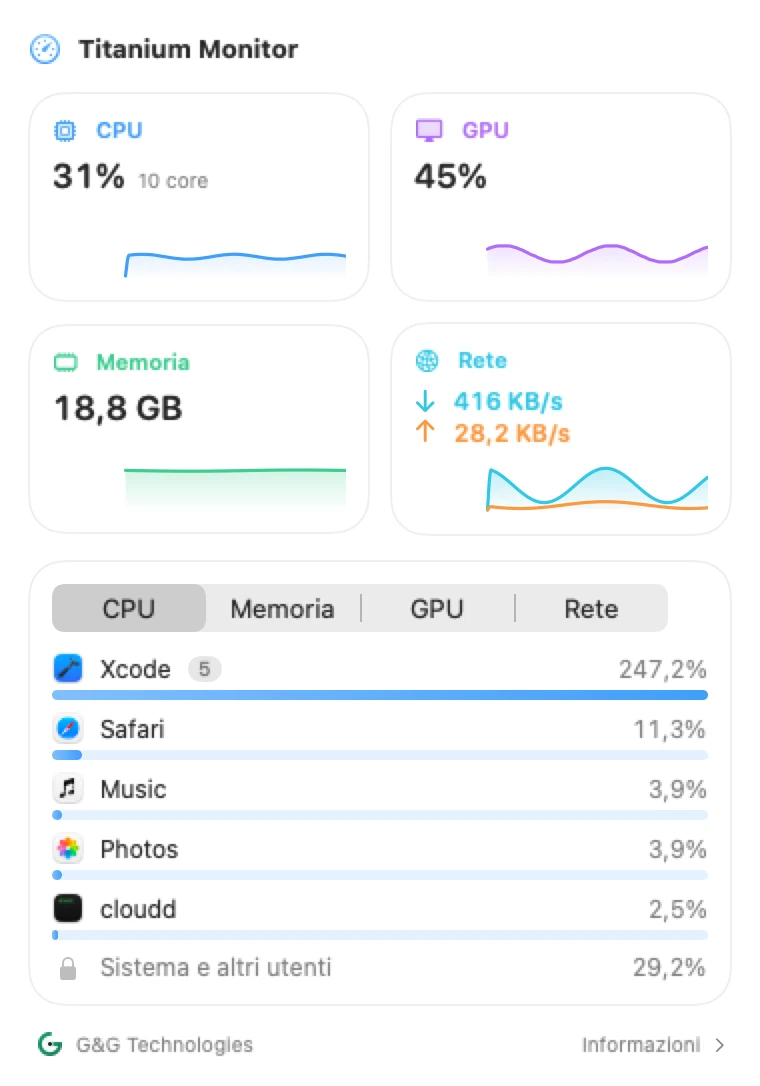
Screenshots of Titanium MonitorLe schermate di Titanium Monitor
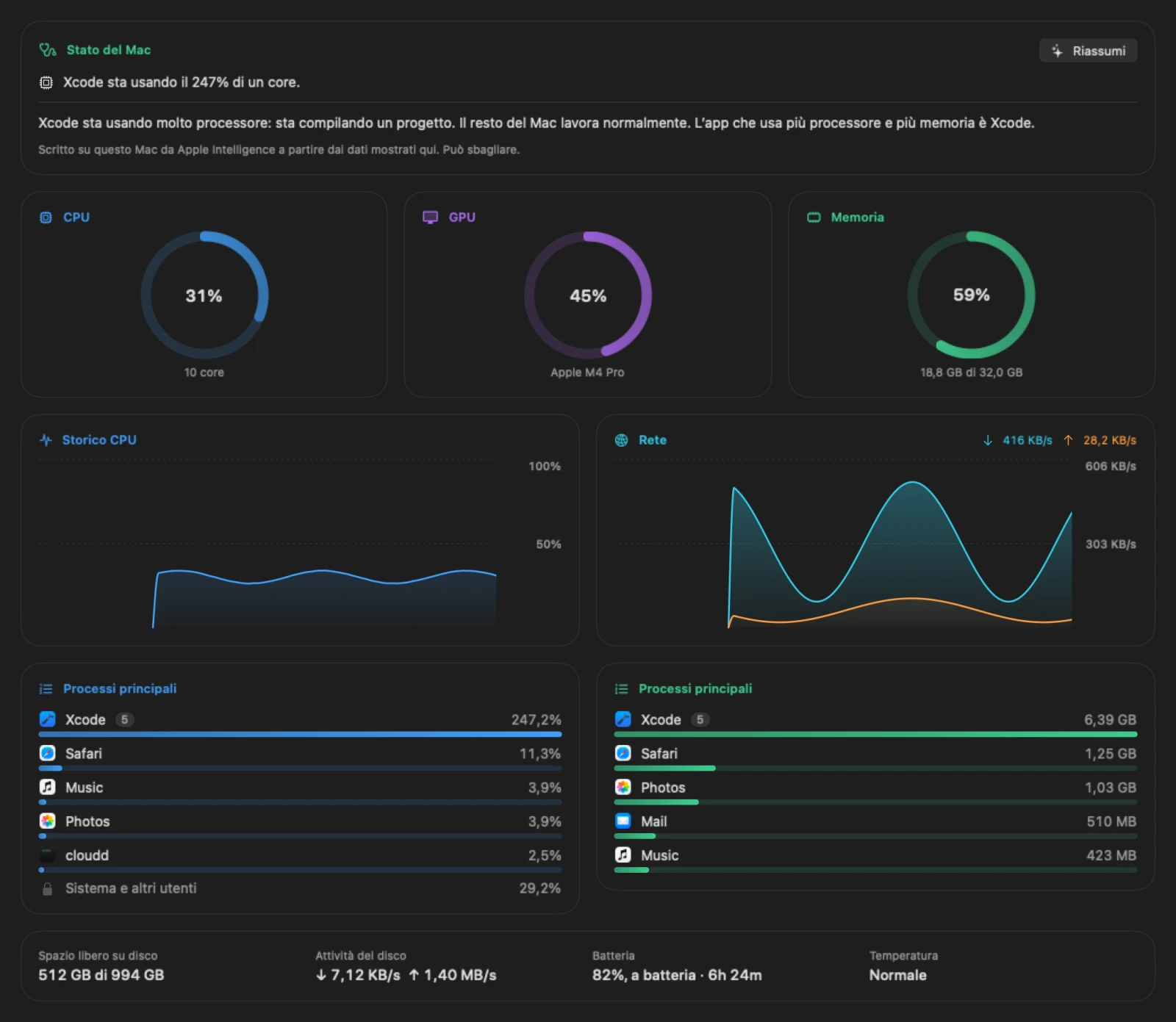
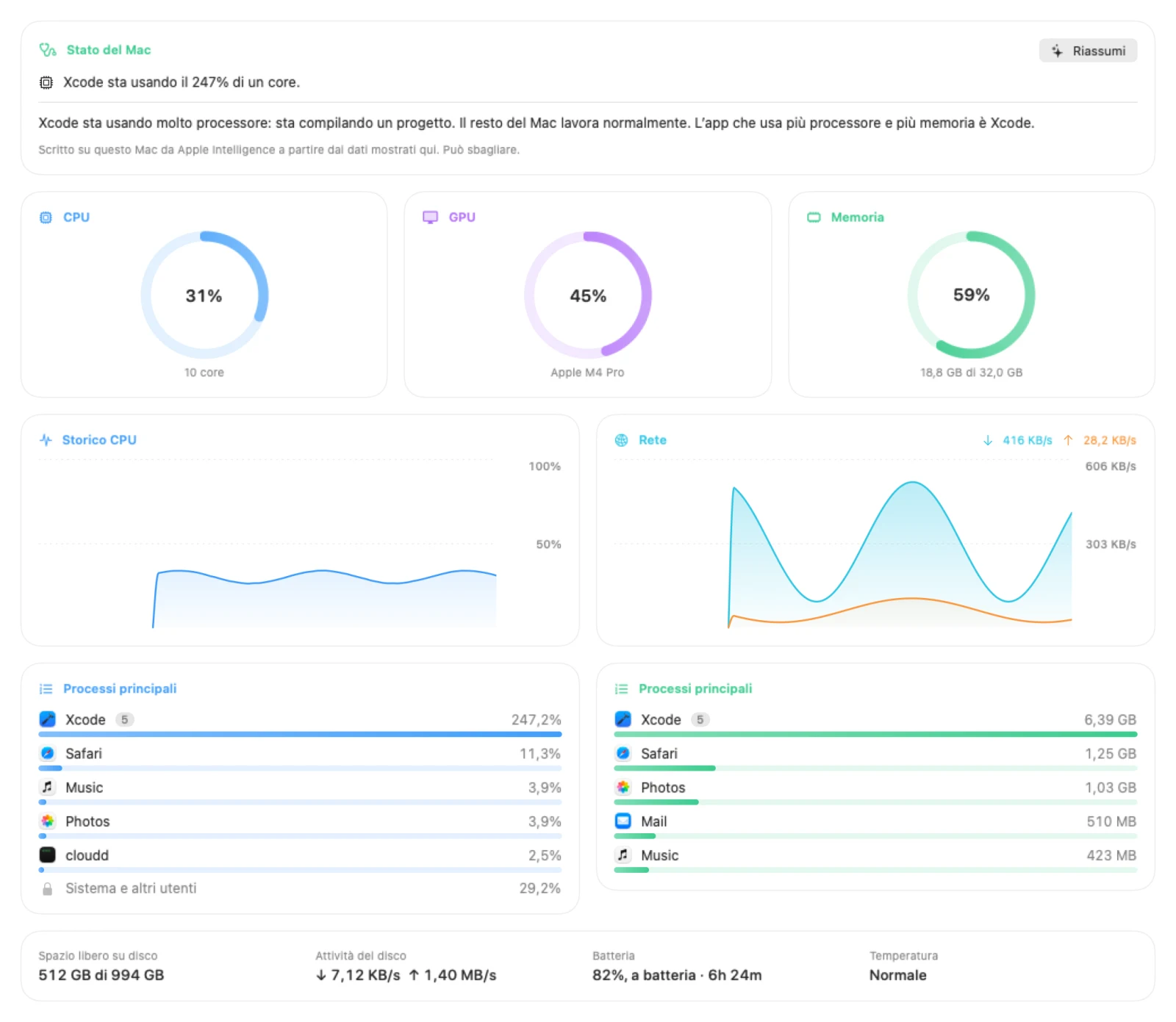
The app itself draws these screenshots on a demonstration Mac, with sample data.Le schermate sono disegnate dall'app stessa su un Mac dimostrativo, con dati di esempio.
RequirementsRequisiti
- macOS 26 or later.macOS 26 o successivo.
- Interface in English and Italian.Interfaccia in italiano e in inglese.
- Free, including future versions.Gratuita, anche nelle versioni future.
Your data stays on the MacI dati restano sul Mac
What the app measures stays on the Mac, and leaves it only when you click: VirusTotal sends only the SHA-256 fingerprint of a program; Search sends the name of a process to the search engine you chose. Once a day the app asks this site which version is the latest, sending only its name and version; it can be turned off in Settings.Ciò che l'app misura resta sul Mac, ed esce solo con un vostro clic: VirusTotal invia solo l'impronta SHA-256 di un programma; Cerca invia il nome di un processo al motore di ricerca che avete scelto. Una volta al giorno l'app chiede a questo sito qual è l'ultima versione, inviando solo il proprio nome e la versione; si può disattivare nelle Impostazioni.
Release notesNote di rilascio
Le note di rilascio sono scritte in inglese.
VersionsVersioni
Every published versionTutte le versioni pubblicate
Every published version keeps its files and checksums, and stays available to download.Ogni versione pubblicata conserva i propri file e checksum, e resta disponibile per il download.
Checking a downloadVerificare un download
Each file has its .sha256 next to it, in the list of versions. With both in the same folder, this command checks the file.Ogni file ha accanto il suo .sha256, nell'elenco delle versioni. Con i due file nella stessa cartella, questo comando verifica il file.
shasum -a 256 -c <file>.sha256On Windows, PowerShell shows the checksum, to compare with the one in the .sha256 file:Su Windows, PowerShell mostra il checksum, da confrontare con quello del file .sha256:
Get-FileHash <file> -Algorithm SHA256UpdatesAggiornamenti
Once installed, the app finds its updates on this site and verifies each download before installing it. The check sends no information about the user or the computer.Una volta installata, l'app trova i propri aggiornamenti su questo sito e verifica ogni download prima di installarlo. Il controllo non invia alcuna informazione sull'utente o sul computer.
What each download guaranteesChe cosa garantisce ogni download